How GEST Connect works
GEST Connect App by YachtCloud
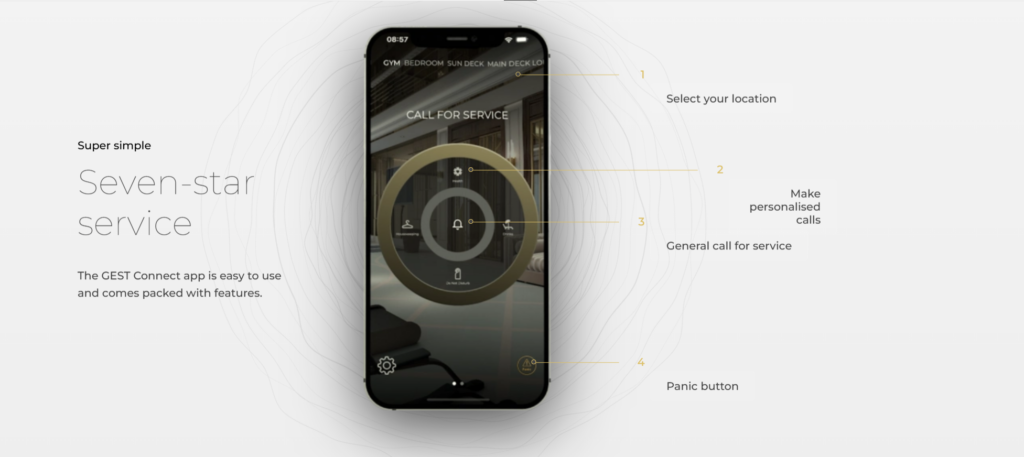
Easy-to-use app
Step into the future of luxury service technology with the GEST Connect App. Its intuitive, user-friendly interface allows you to effortlessly access personalised preferences, real-time service updates, and tailored experiences, all designed to enhance comfort and convenience.
The GEST Connect App transforms everyday service interactions into an elevated experience. With just a few taps, explore a comprehensive suite of features, from instant service requests to customised notifications, ensuring effortless control and seamless integration across your environment.
Simple installation
Setting up the GEST Connect App is as simple as scanning a QR code.
Step 1
Download the GEST App on the App Store
Step 2
Scan the provided QR code or enter the code manually
Step 3
Connected to a personalised to a tee service.
Using the GEST Connect App is instinctive. A standard or priority service request is easily differentiated by touching the steward call button for two or five seconds. GEST’s subtle sound and light indicate the state of the call.
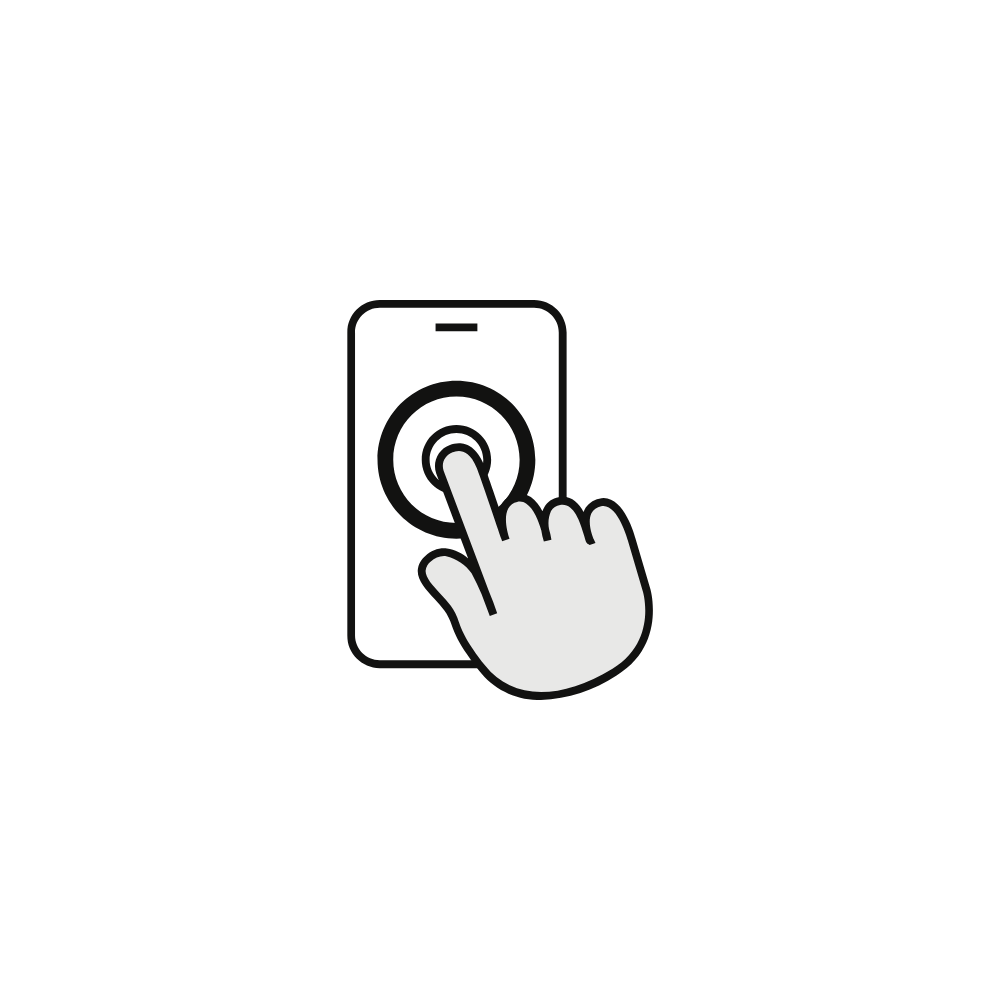
Step 1
Guest makes a call
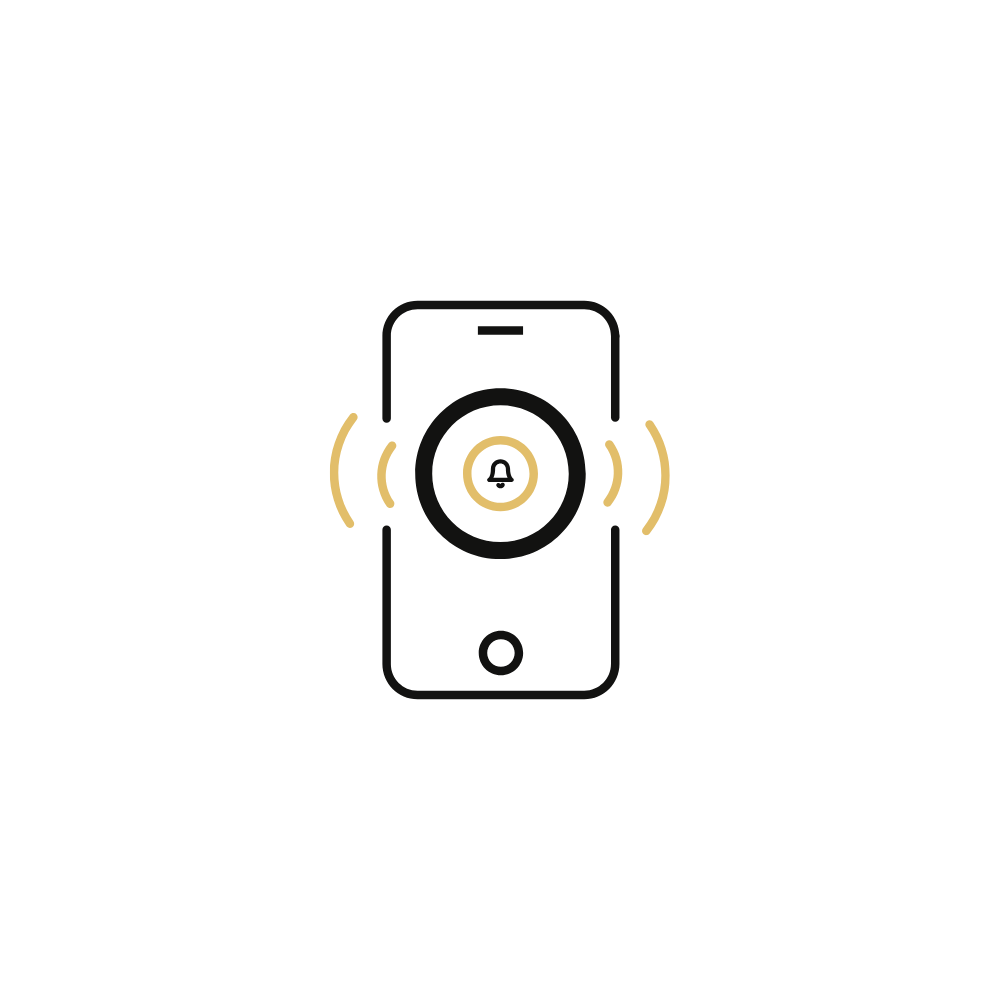
Step 3
Guest is informed their call has been picked up
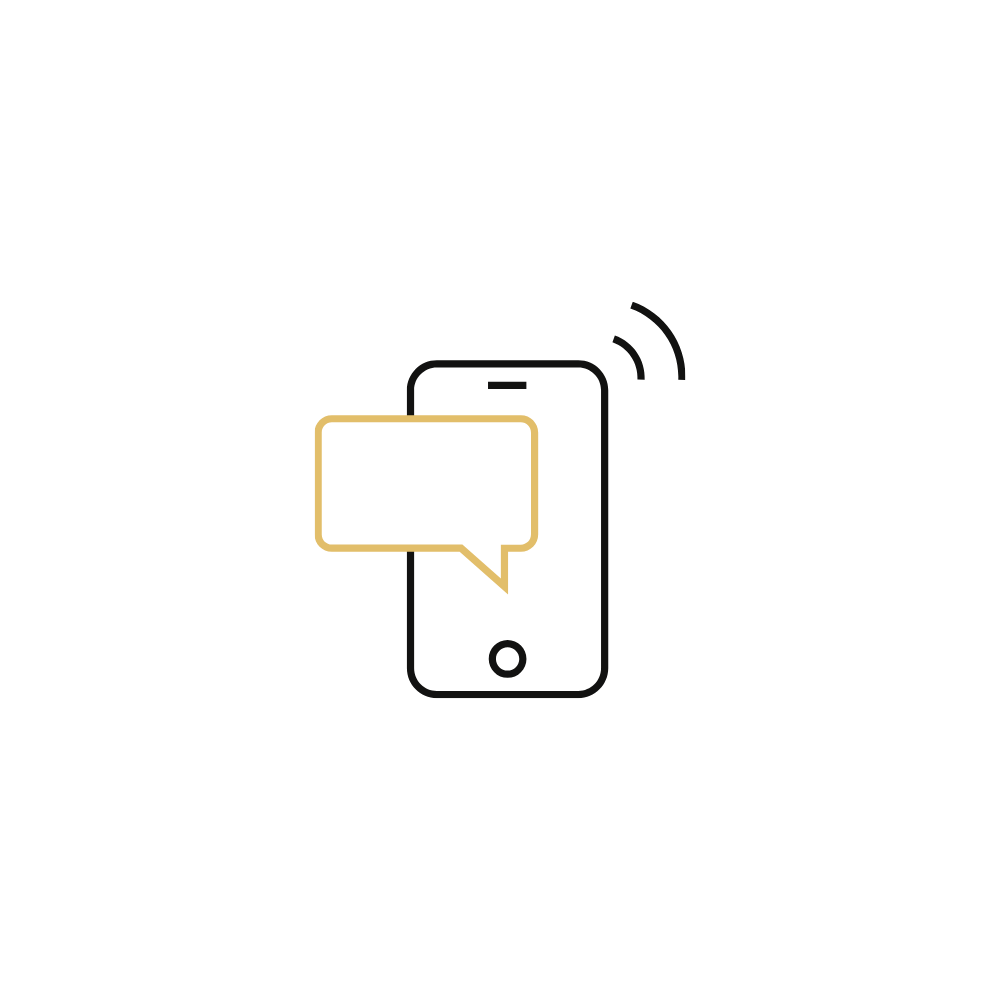
Step 2
Crew is notified

Step 4
Excellent service
Key Features:
- Luxury service call button: on-demand service, redefined for modern living.
- Virtual button always at hand: access service instantly via smartphone or tablet.
- Seamless integration: use alone or with the GEST Button for a unified experience.
- Easy set-up: quick to install, simple to use, no technical skills required.
- For guests and owners: designed for convenience, comfort, and communication.